Format rules
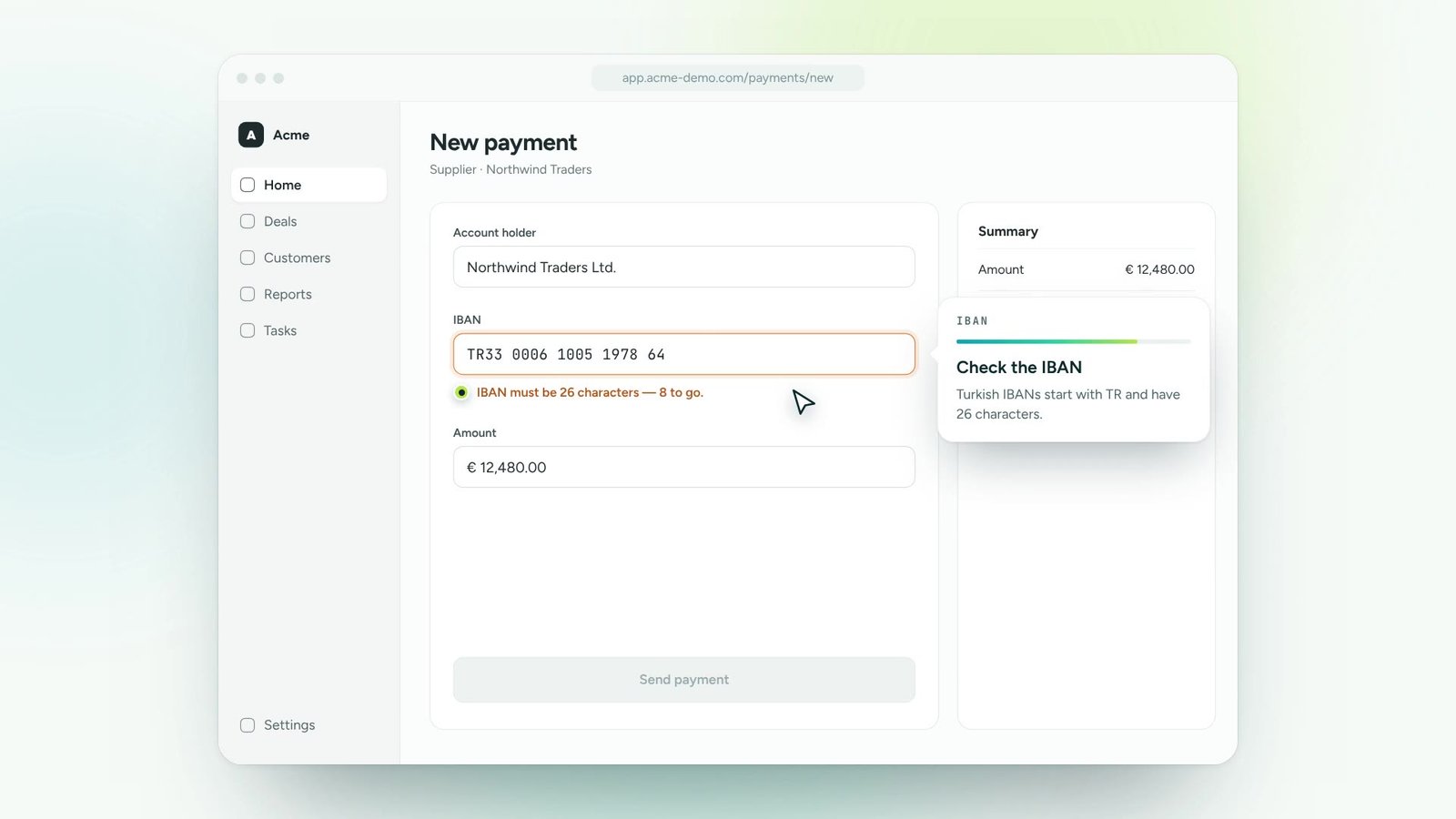
Patterns for IDs, codes, phone numbers and email addresses.
Field-level guidance tells people what a field expects and warns them the moment something looks wrong. Clean data at the source, fewer corrections downstream.
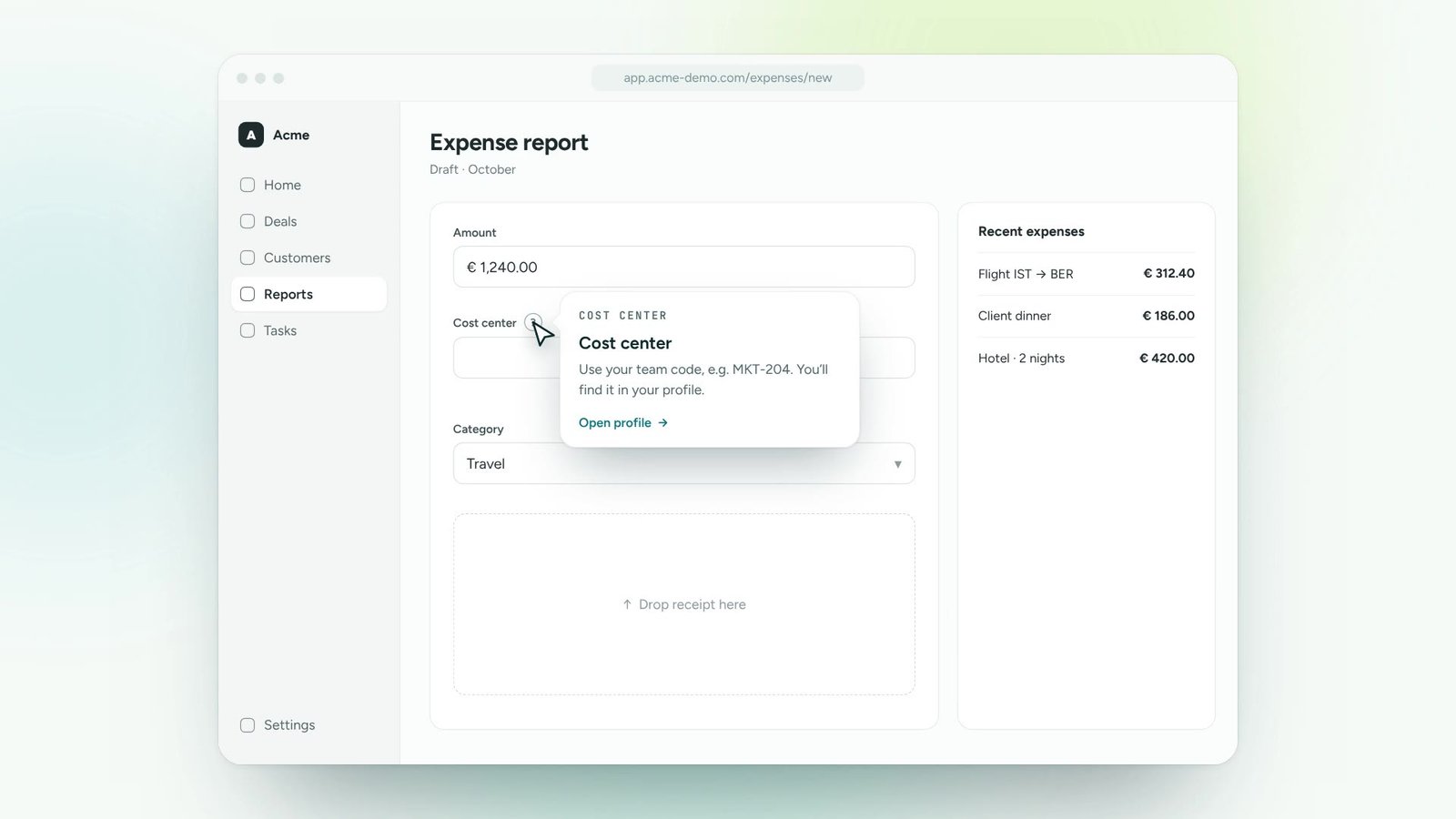
Tax IDs, cost centres, dates, codes: the fields that cause rework.
Format, length or required checks with a friendly explanation.
Show the fix inline, so people correct it themselves.
Type into the fields. Hints and checks appear as you go, exactly like they would in your ERP or CRM.
Patterns for IDs, codes, phone numbers and email addresses.
Explain why a field matters, not only that it’s required.
Hints appear next to the field, at the moment of input.
Warn and allow, or prevent saving until a field is correct.
Make sure steps are followed in the order your policies require.
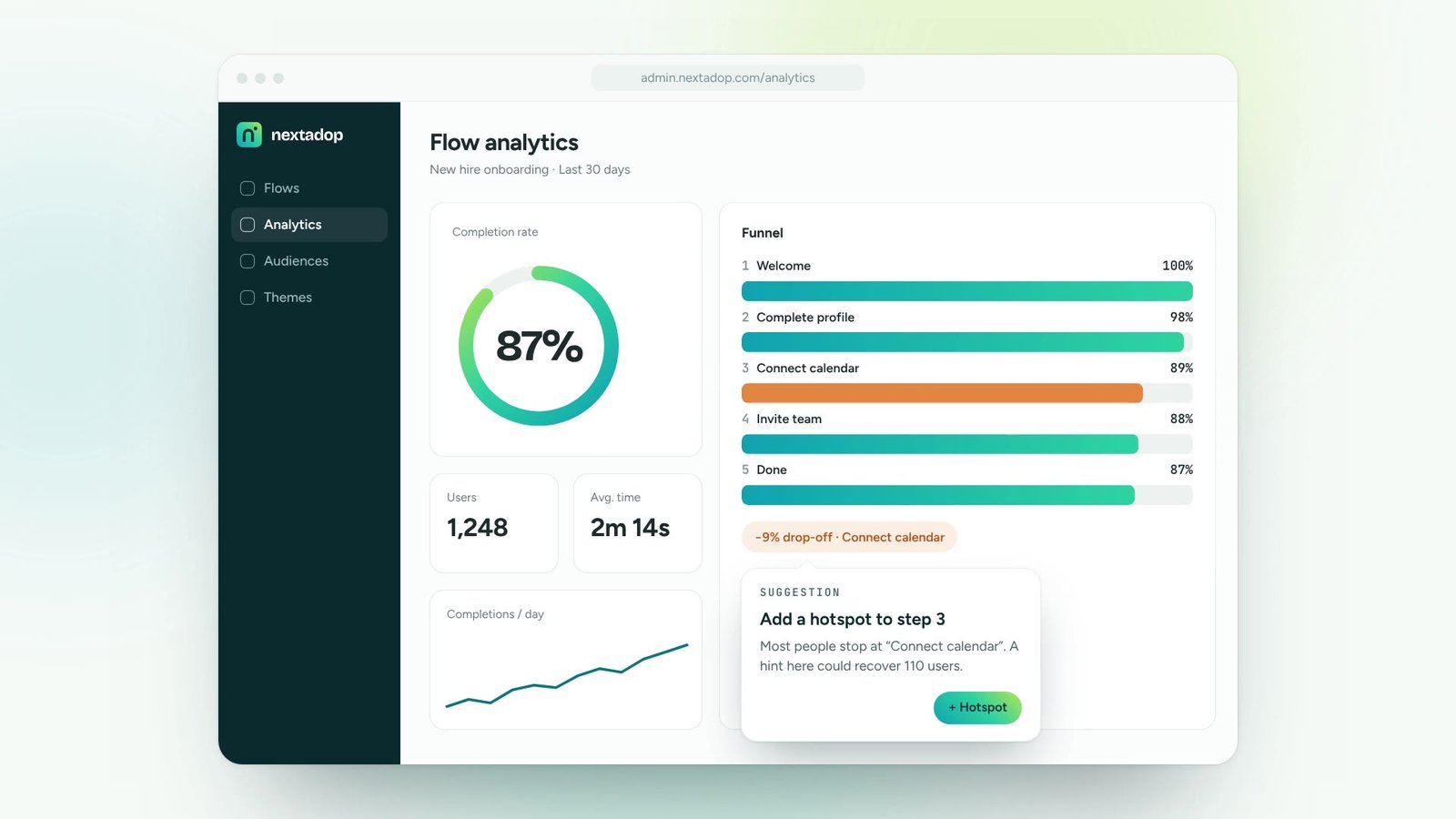
See which fields cause the most mistakes and improve them.
Turn onboarding and training content into guidance people follow inside the tools.
Roll out new software and updates without a wave of “how do I…” tickets.
Lead users to new features and to the paths that make them stick.
Answer recurring questions in context, so experts can focus on real issues.
One digital adoption platform, on top of every tool your teams already use
No. Nextadop works in the user interface, on top of your application. Your backend stays exactly as it is.
Checks run in the browser. Typed values are not sent to or stored on Nextadop servers.
Any web-based application: ERP, CRM, HR portals and internal tools.
Thirty minutes, your own application, a real guide at the end. No slides.