Feature launches
Announce what’s new exactly where it lives in the product.
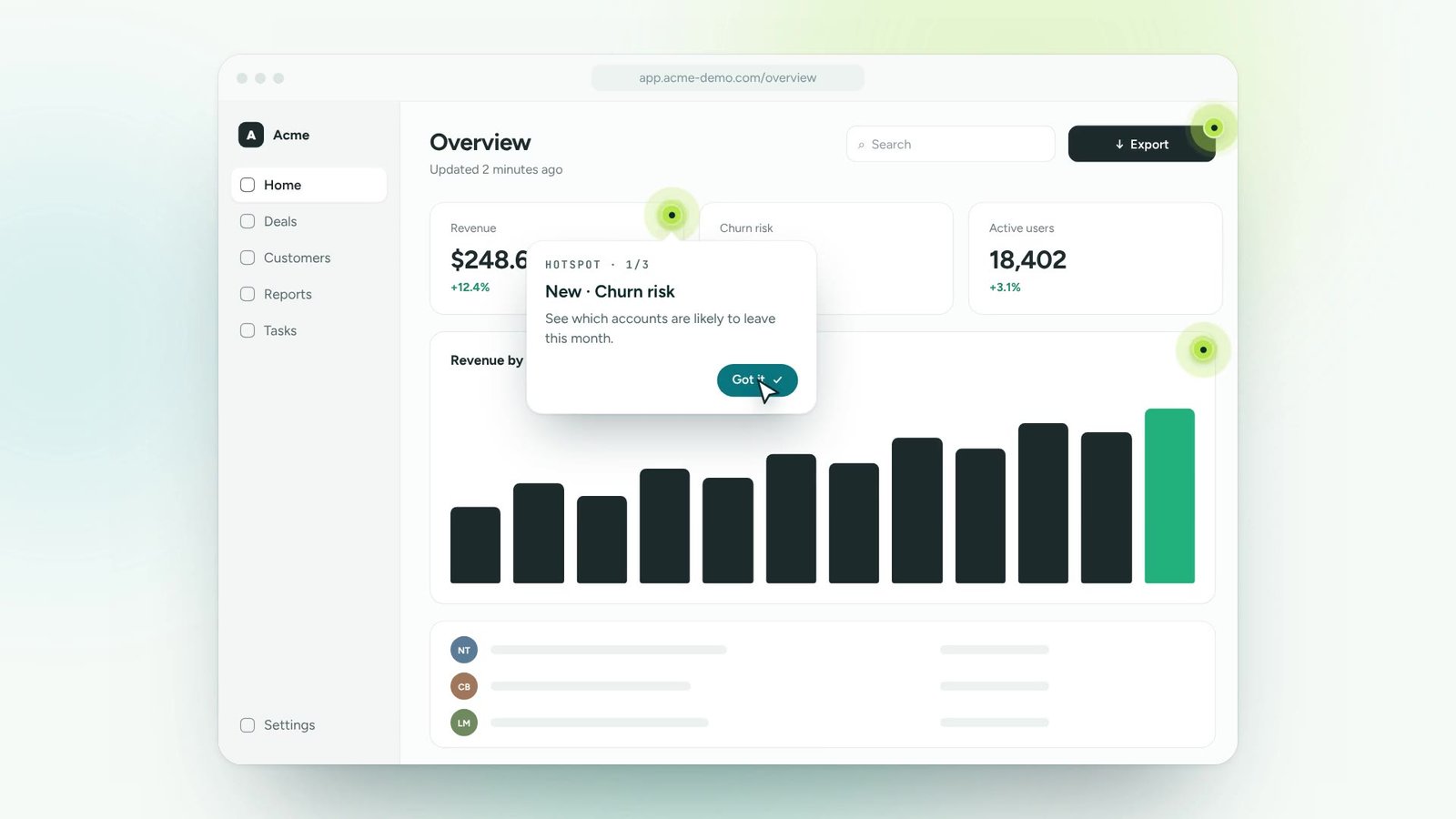
Pulsing beacons highlight new features and key actions without interrupting anyone. People discover them in their own time and learn with one click.
A new feature, a shortcut, or the button nobody finds.
Place it on the element and write the message it opens.
Beacons disappear once seen, so the interface stays calm.
Click each glowing hotspot to see what it explains. They’re hidden around the dashboard.
Announce what’s new exactly where it lives in the product.
Beacons never block the screen and fade once they’ve done their job.
Show a hotspot from launch day for as long as you need.
Highlight features only for the plans or teams that have them.
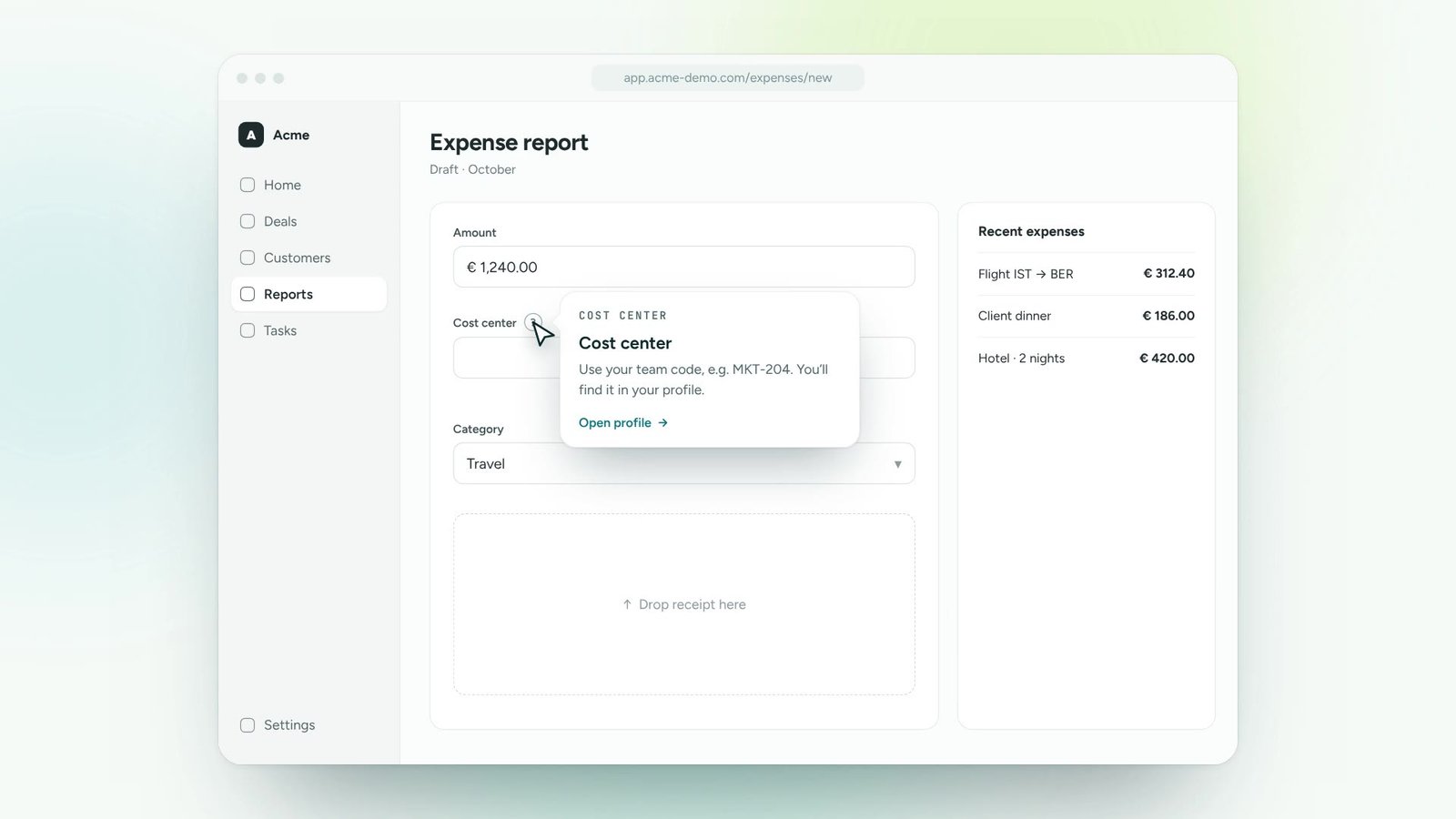
Open a tip, a guide or a link from any beacon.
See which beacons get noticed and which get ignored.
Turn onboarding and training content into guidance people follow inside the tools.
Roll out new software and updates without a wave of “how do I…” tickets.
Lead users to new features and to the paths that make them stick.
Answer recurring questions in context, so experts can focus on real issues.
One digital adoption platform, on top of every tool your teams already use
Use hotspots for things people should discover at their own pace: new features, shortcuts, tips. Use guides when a process must be completed in order.
Yes. You decide whether a beacon disappears after being opened, after a date, or never.
Yes. Beacons adapt to responsive layouts and are fully tappable.
Thirty minutes, your own application, a real guide at the end. No slides.