Any trigger
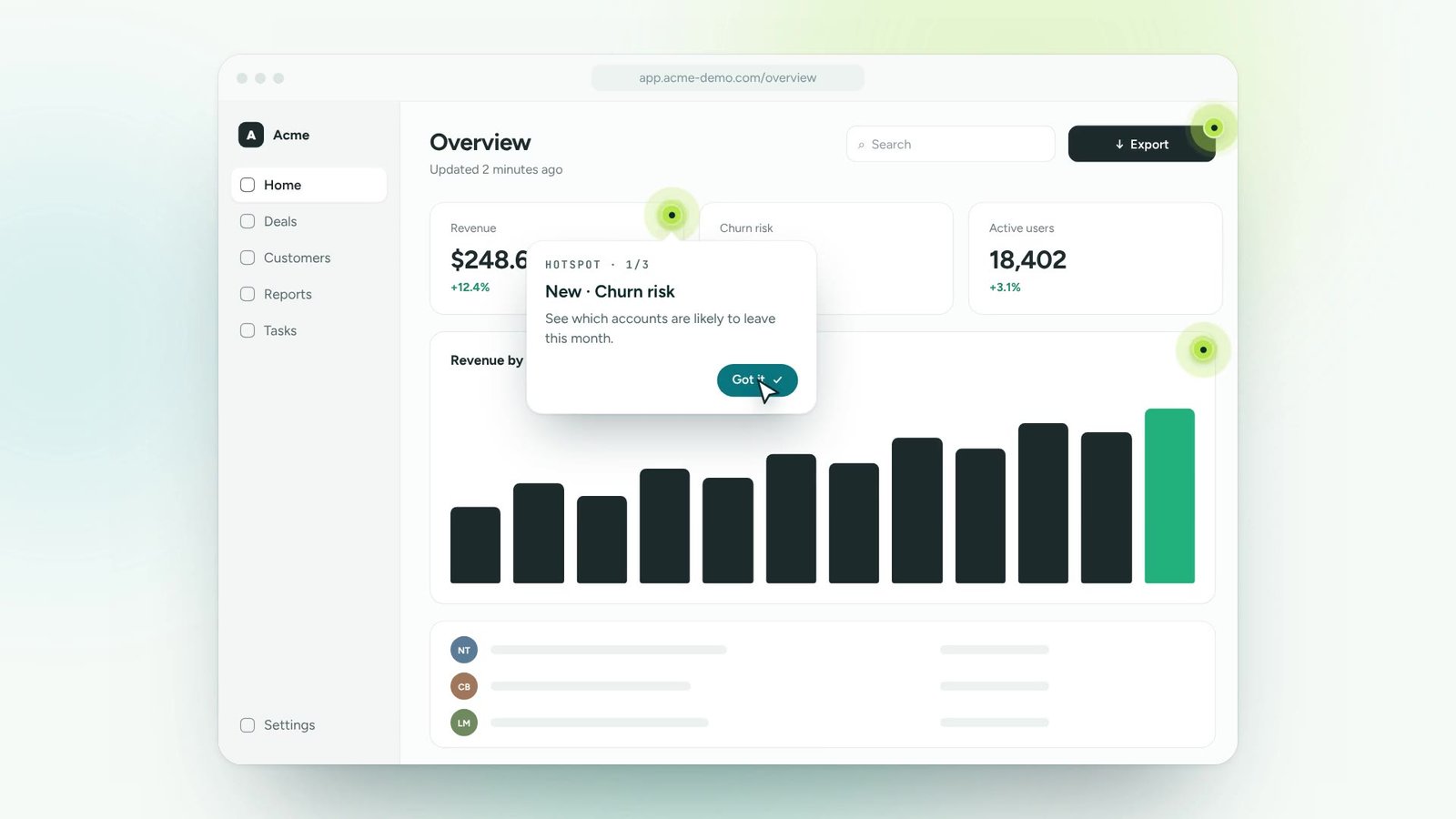
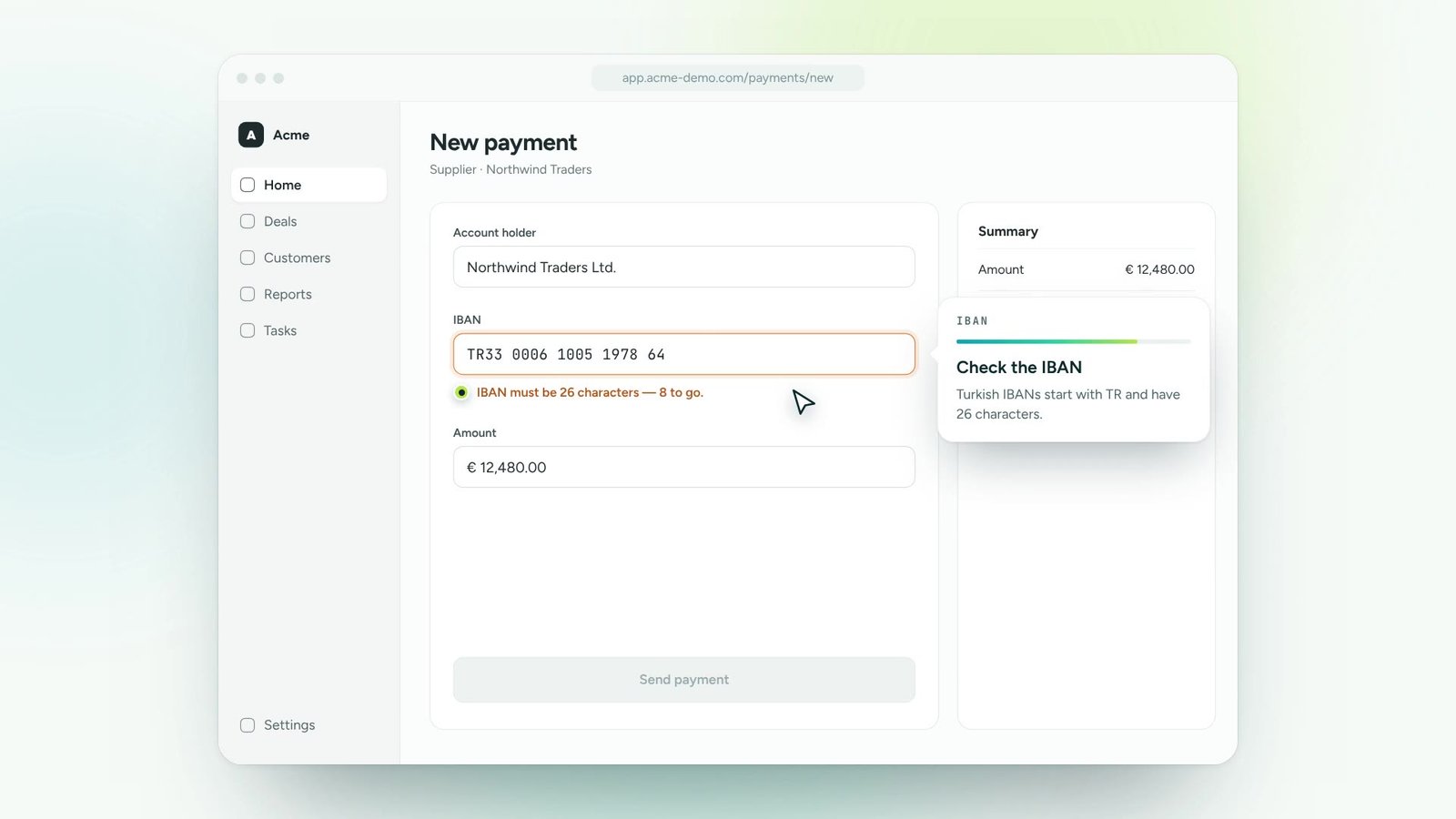
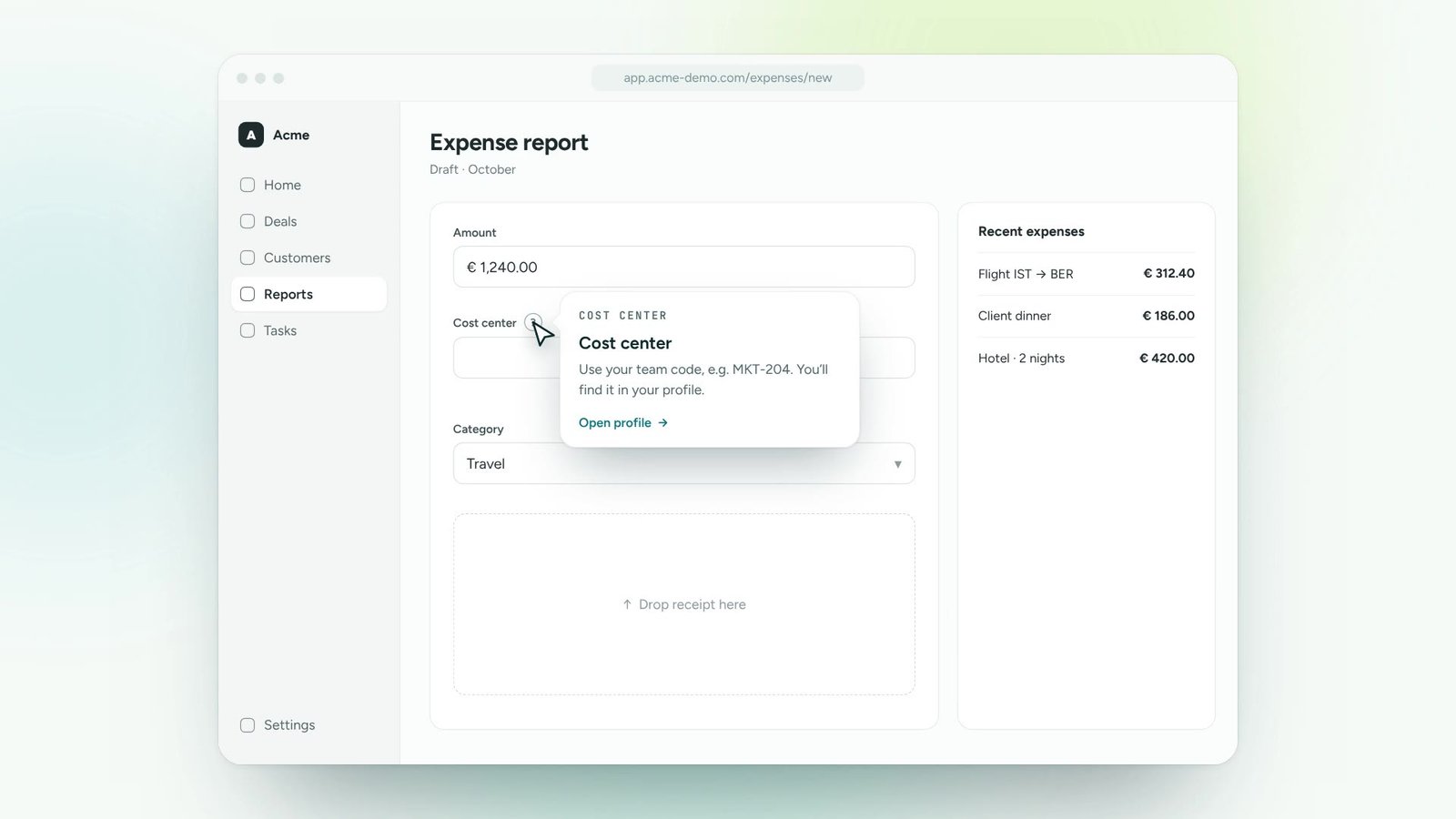
Show tips on hover, on focus, on click or behind a small info icon.
Add short, contextual explanations to any field, button or icon. People get help on hover or focus, before a small doubt turns into a support ticket.
Start with the fields and buttons people ask about most.
Select the element, write two lines, choose hover, focus or icon trigger.
Update wording in seconds. Changes go live without a release.
Each tip is attached to a real element. Try hovering or tabbing through the form.
Show tips on hover, on focus, on click or behind a small info icon.
Formatting, links, images and short videos inside a tip.
Tips match your product’s fonts, colours and corner radius.
Show beginner tips to new users only, and hide them for experts.
Learn which tips are opened most: a map of where people hesitate.
Every tip is available in each user’s own language.
Turn onboarding and training content into guidance people follow inside the tools.
Roll out new software and updates without a wave of “how do I…” tickets.
Lead users to new features and to the paths that make them stick.
Answer recurring questions in context, so experts can focus on real issues.
One digital adoption platform, on top of every tool your teams already use
A guide walks people through a whole process. A tip answers one question about one element, whenever the user needs it.
No. Tips are lightweight and load only when needed, on top of your existing interface.
Yes. Nextadop never reads or stores what users type into your fields.
Thirty minutes, your own application, a real guide at the end. No slides.