Context-aware suggestions
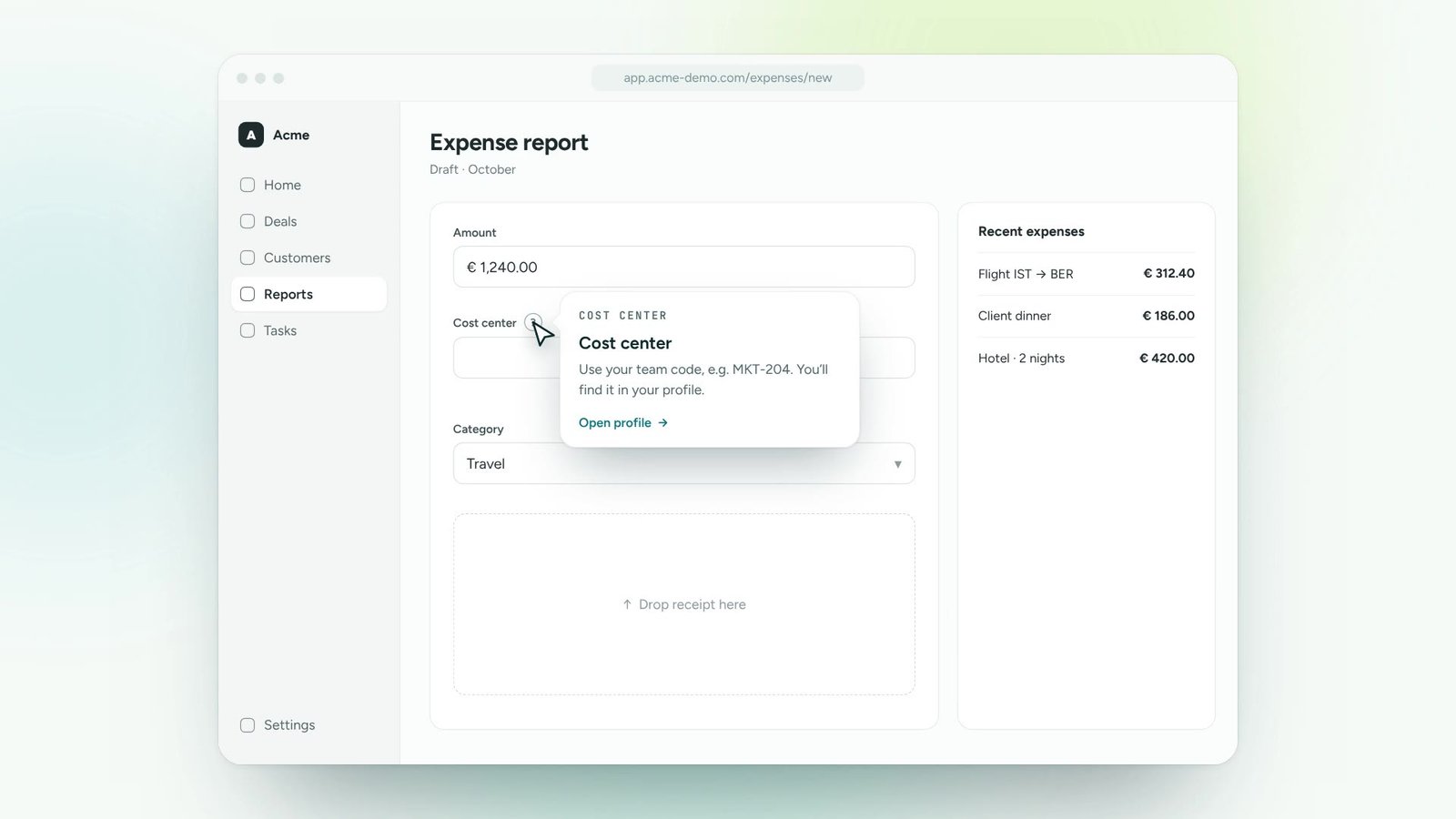
The panel suggests the help that fits the page people are on.
A help panel inside your software that answers questions in context. Instead of a link to a document, people get a live guide that walks them through it on the real screen.
Start with your most frequent support questions and internal FAQs.
Each answer can launch a step-by-step guide, a tip or a short article.
People open the panel from a launcher or shortcut on any page.
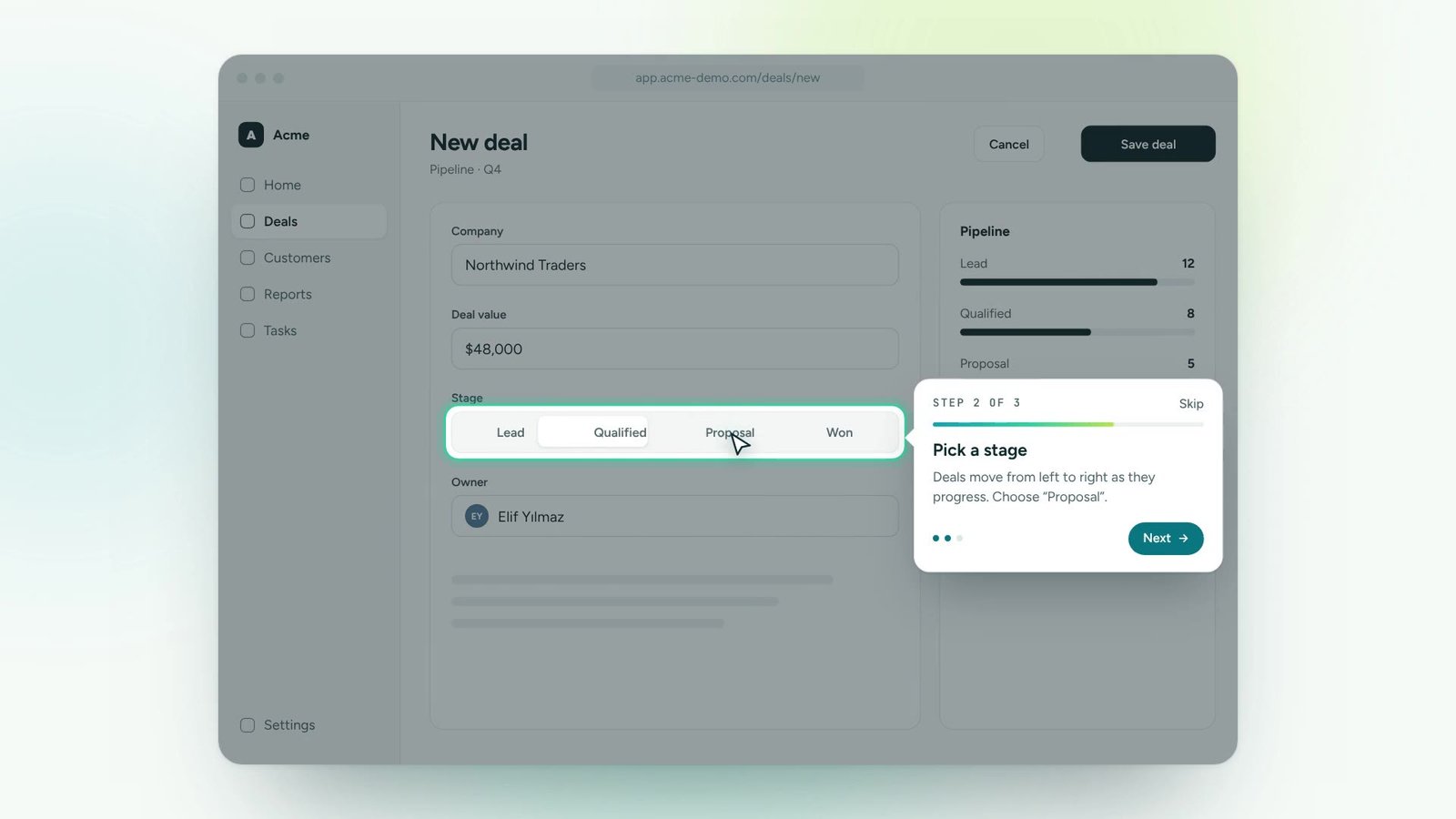
Pick a question or type your own. The answer is a guide that points at the real screen.
The panel suggests the help that fits the page people are on.
Answers launch a guide on the live screen, not just text.
Guides, tips, articles and announcements in a single panel.
Link existing help content alongside interactive guides.
See what people search for and don’t find: your next guides.
Place the help launcher where it fits, styled like your product.
Turn onboarding and training content into guidance people follow inside the tools.
Roll out new software and updates without a wave of “how do I…” tickets.
Lead users to new features and to the paths that make them stick.
Answer recurring questions in context, so experts can focus on real issues.
One digital adoption platform, on top of every tool your teams already use
It brings your help centre into the application. Existing articles can be linked, and the most important answers become interactive guides.
Yes. Search terms and unanswered questions are reported so you know which guides to create next.
You choose. The panel can be shown to everyone or only to certain roles, teams or plans.
Thirty minutes, your own application, a real guide at the end. No slides.