Role & team rules
Target by department, role, location or any user property.
Show each flow only to the users who need it, by role, team, plan, language or behaviour. Experts aren’t interrupted, newcomers aren’t left alone.
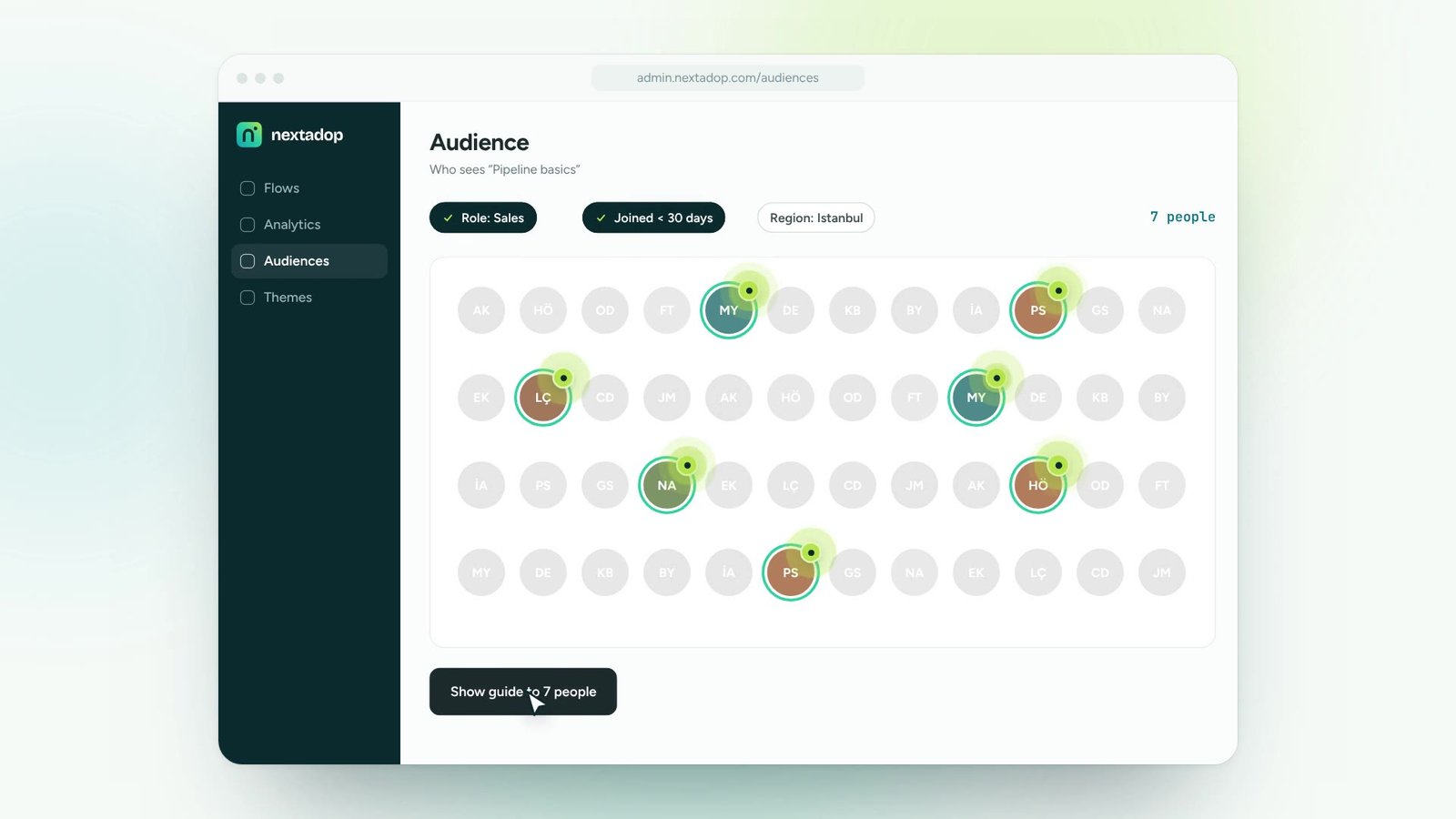
Combine rules like role, department, plan or signup date.
Assign guides, tips and announcements to that audience.
Audiences update automatically as people change roles.
Toggle the rules and watch who qualifies. That audience is what your guide will target.
Target by department, role, location or any user property.
Show content after an action, or because it never happened.
Different content for day one, week one and month three.
Appear only on the screens where the content is relevant.
Define an audience once and use it everywhere.
Decide how often anyone sees a message.
Create and update guidance yourselves. No developer queue, no release cycle.
Install once, manage access with roles and SSO, keep data under control.
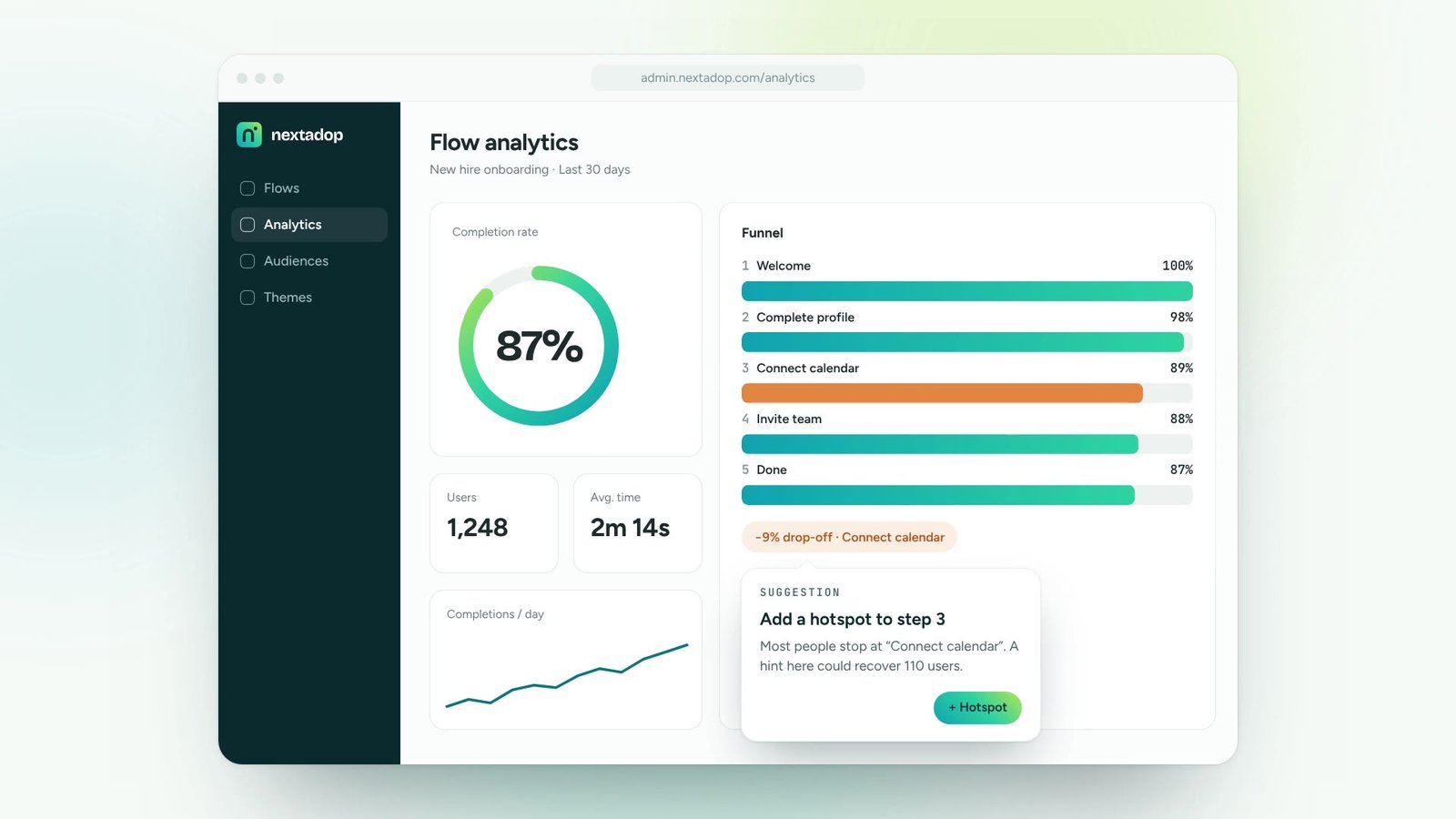
See where people finish and where they drop off, and fix the flow the same day.
Reach the right people by role, team or region and see what changed.
One digital adoption platform, on top of every tool your teams already use
From the properties you choose to share with the snippet, such as role or team, or from SSO attributes. You stay in control of what is shared.
Yes. When a user’s properties change, the content they see changes too.
Yes. Content can depend on whether a user has completed a guide, clicked an element or visited a page.
Thirty minutes, your own application, a real guide at the end. No slides.