Welcome sequences
Multi-step modals with images, video and clear next steps.
Welcome screens, onboarding checklists and in-app announcements get every user to their first win and keep them informed about what’s new.
A short modal sequence: who we are, what you can do, where to start.
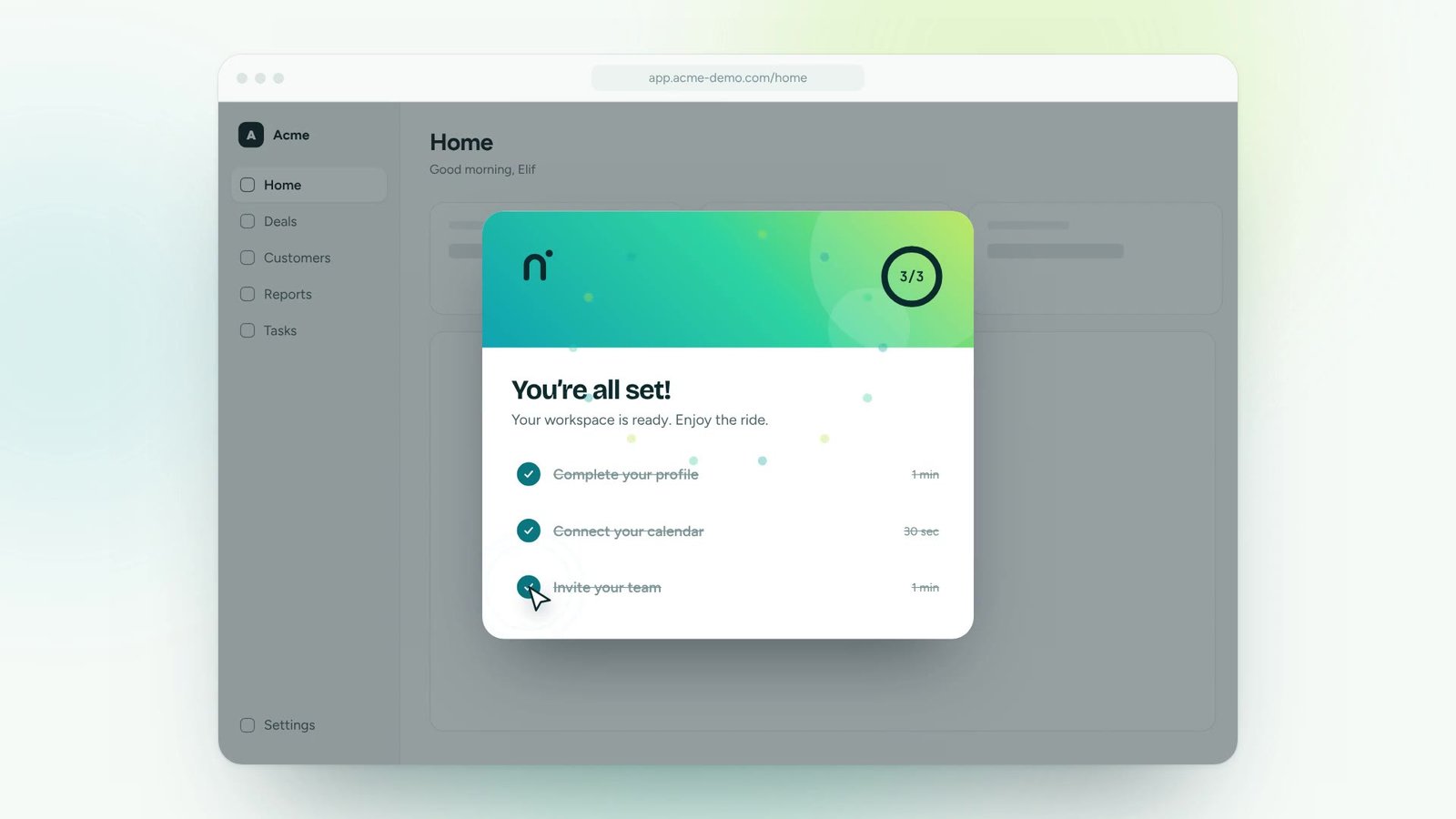
Three to five first tasks, each linked to the guide that completes it.
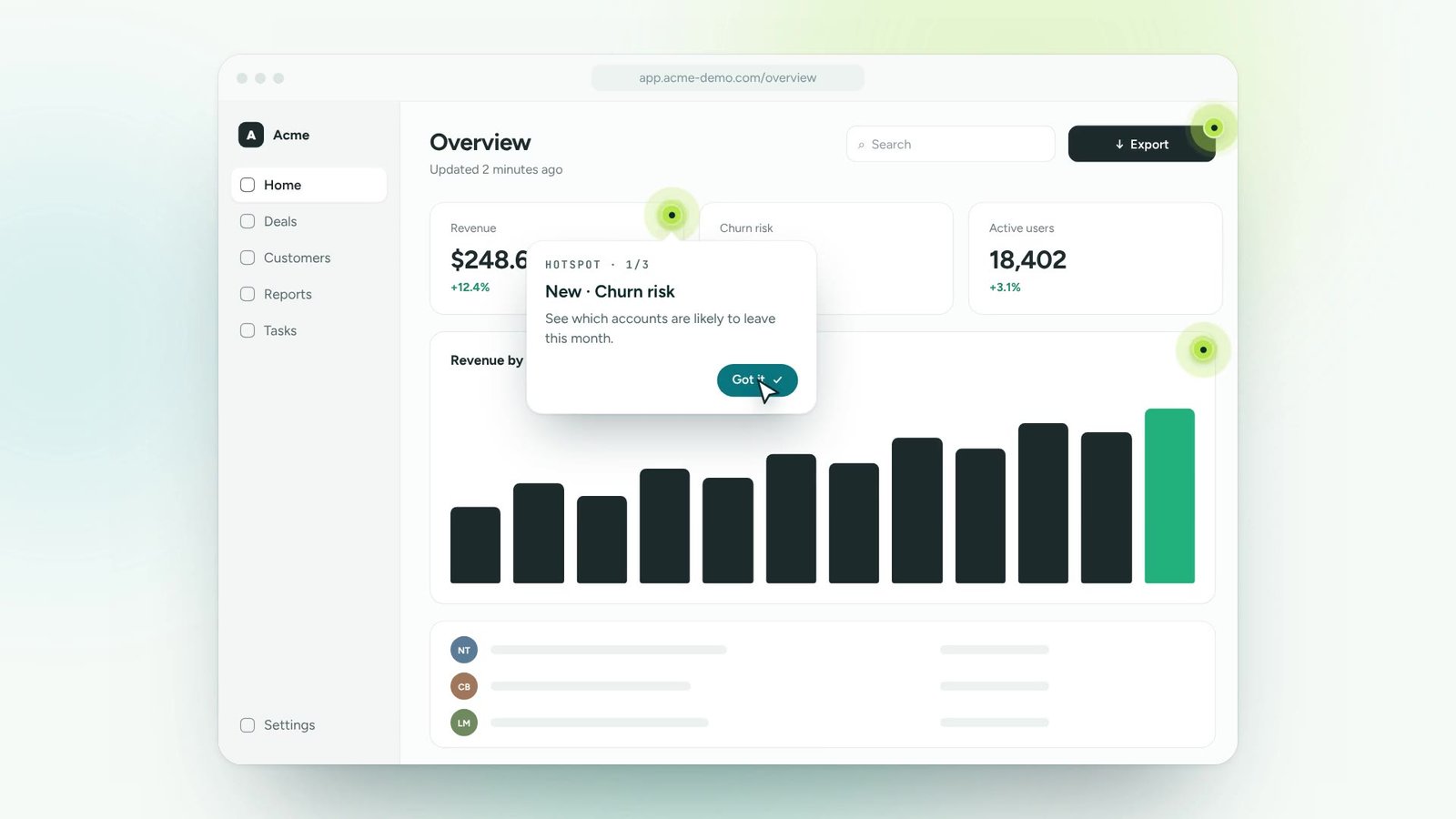
Share releases and changes in-app, to the people they affect.
A three-screen welcome, followed by a checklist that tracks the first tasks.
Multi-step modals with images, video and clear next steps.
Progress that updates itself as people complete real tasks.
Tell users what changed without an email they won’t read.
Lightweight formats for maintenance notes and reminders.
Show on first login, after an event, or on a schedule.
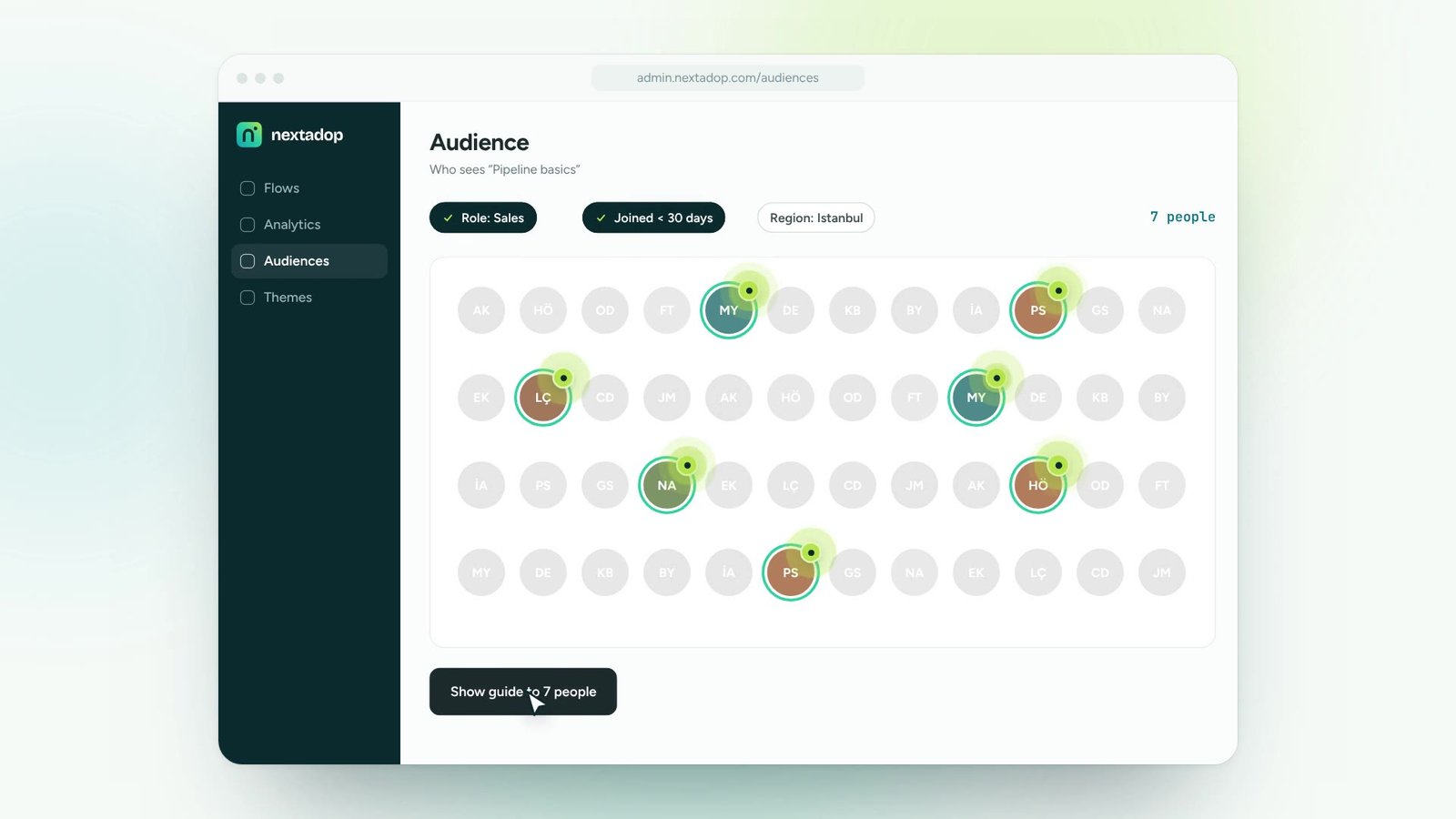
A different welcome for managers, agents or finance teams.
Turn onboarding and training content into guidance people follow inside the tools.
Roll out new software and updates without a wave of “how do I…” tickets.
Lead users to new features and to the paths that make them stick.
Answer recurring questions in context, so experts can focus on real issues.
One digital adoption platform, on top of every tool your teams already use
Yes. Items can be tied to real actions in your application, so progress updates as users work.
No. Frequency rules make sure each message appears once or as often as you decide.
Yes. Welcome screens support images, GIFs and embedded videos.
Thirty minutes, your own application, a real guide at the end. No slides.