Action-based steps
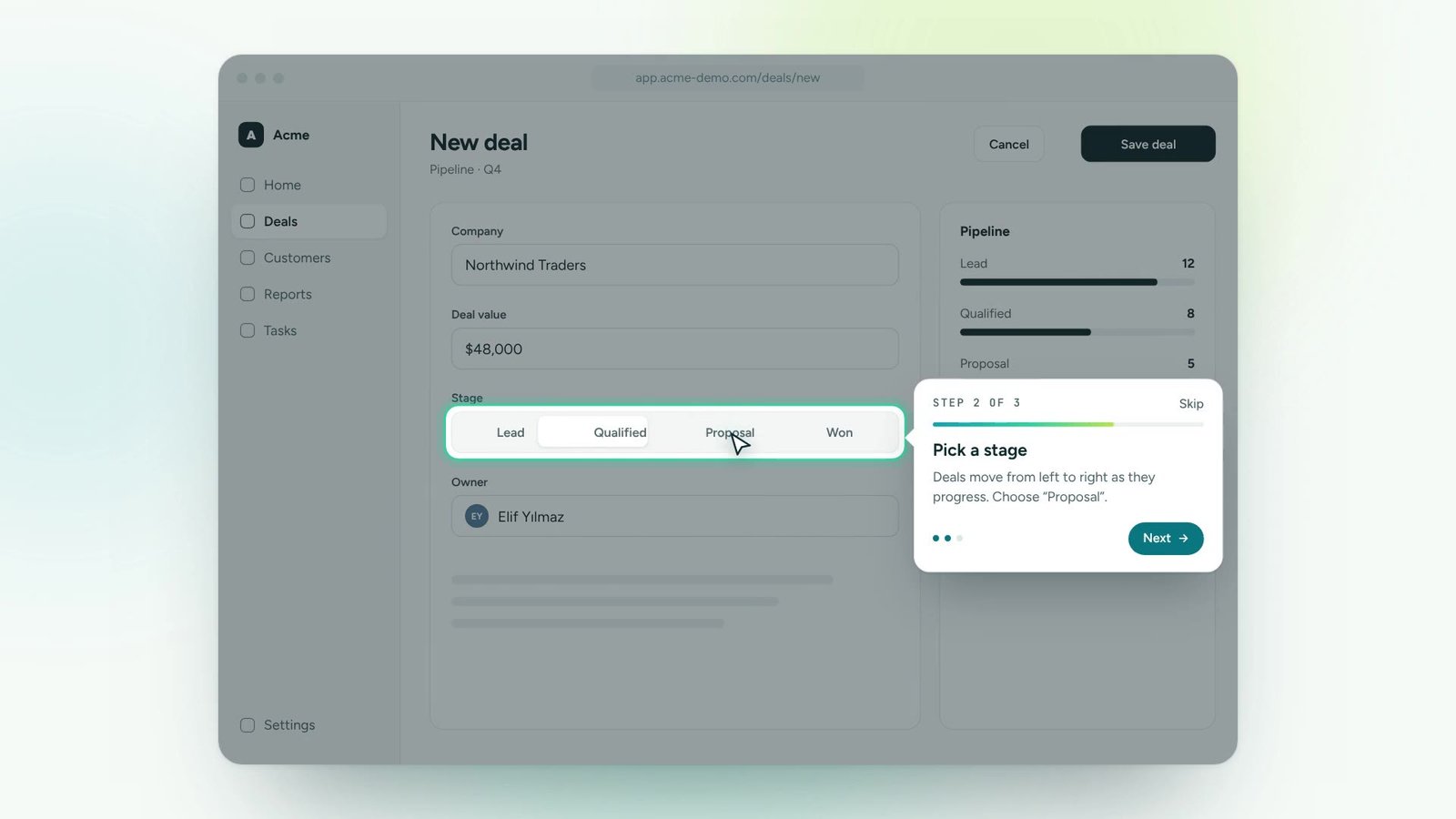
A step completes when the user does the thing, not when they click “Next”.
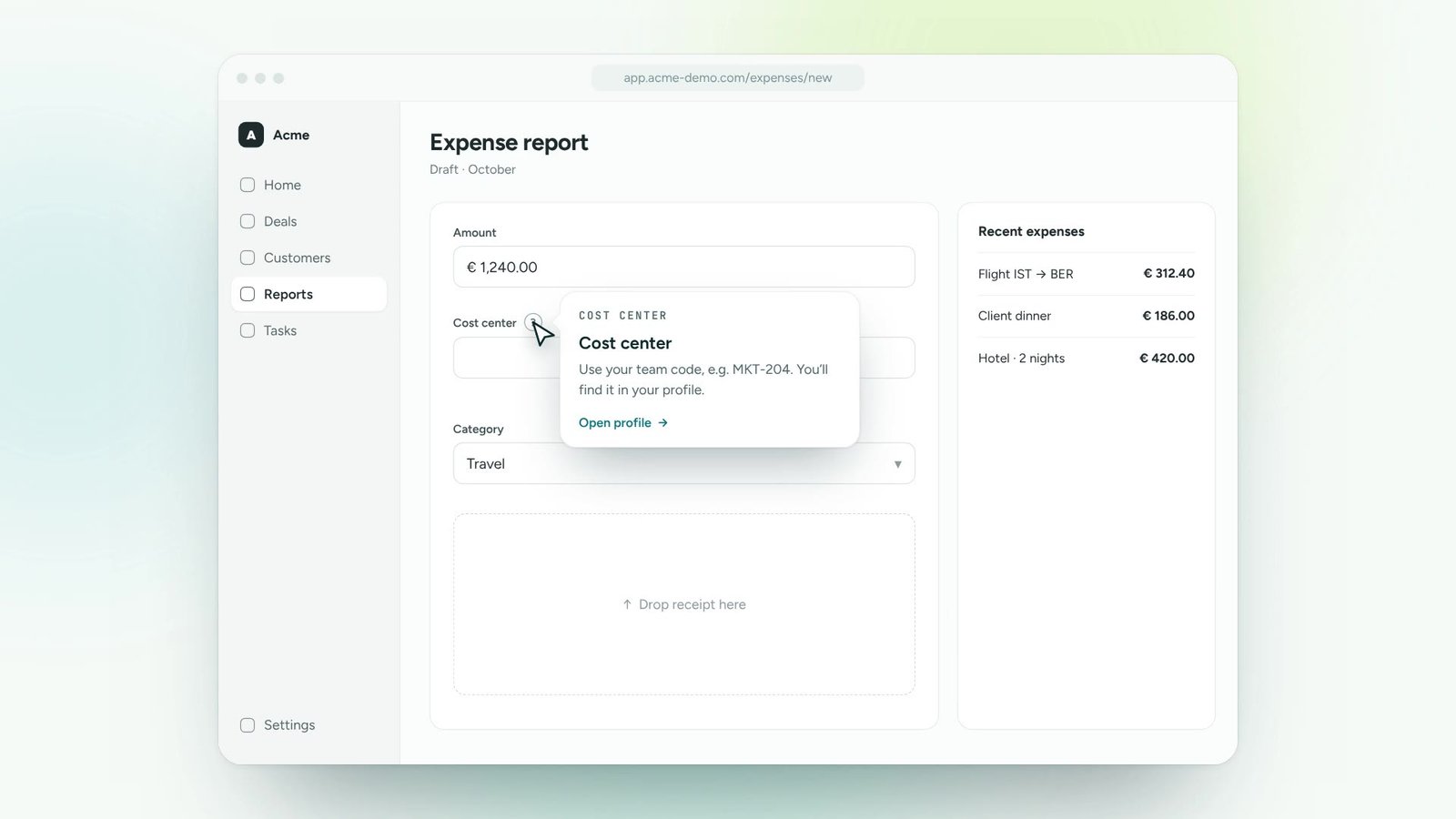
Guide every user through a process one step at a time, right on the screen, on top of the software they already use. No manuals, no training videos, no tickets.
Choose the flow people struggle with: creating a deal, approving an invoice, submitting a request.
Click through the flow once in the builder. Nextadop anchors each step to the real element.
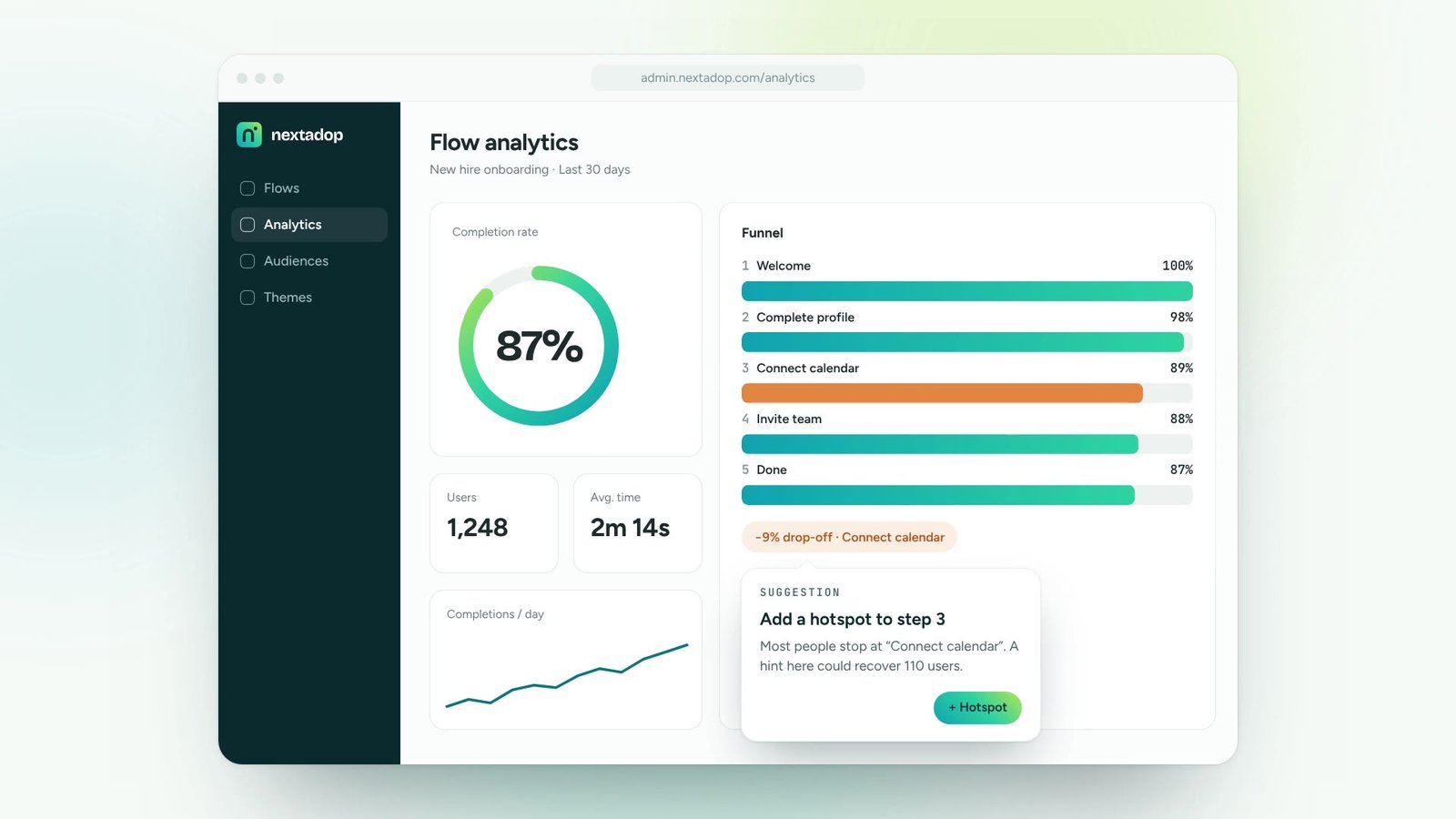
Target by role, team or behaviour and watch completion in real time.
This is exactly what your users see. Follow the guide or click the highlighted element yourself.
A step completes when the user does the thing, not when they click “Next”.
Steps stay attached to the right element even when the layout changes.
Show different paths depending on what users choose or who they are.
People can leave a guide and pick it up later, on any page.
Start a guide automatically, from a link, or from the in-app help panel.
See who finished, where people drop off and how long each step takes.
Turn onboarding and training content into guidance people follow inside the tools.
Roll out new software and updates without a wave of “how do I…” tickets.
Lead users to new features and to the paths that make them stick.
Answer recurring questions in context, so experts can focus on real issues.
One digital adoption platform, on top of every tool your teams already use
No. Guides are created in the no-code builder on top of your live application. Nothing changes in your product’s code.
Steps are anchored to elements with multiple signals, so most layout changes don’t break a guide. If a target disappears, the builder flags it for you.
Yes. Guides follow users across pages and even across sessions until the process is complete.
Thirty minutes, your own application, a real guide at the end. No slides.