Visual element picker
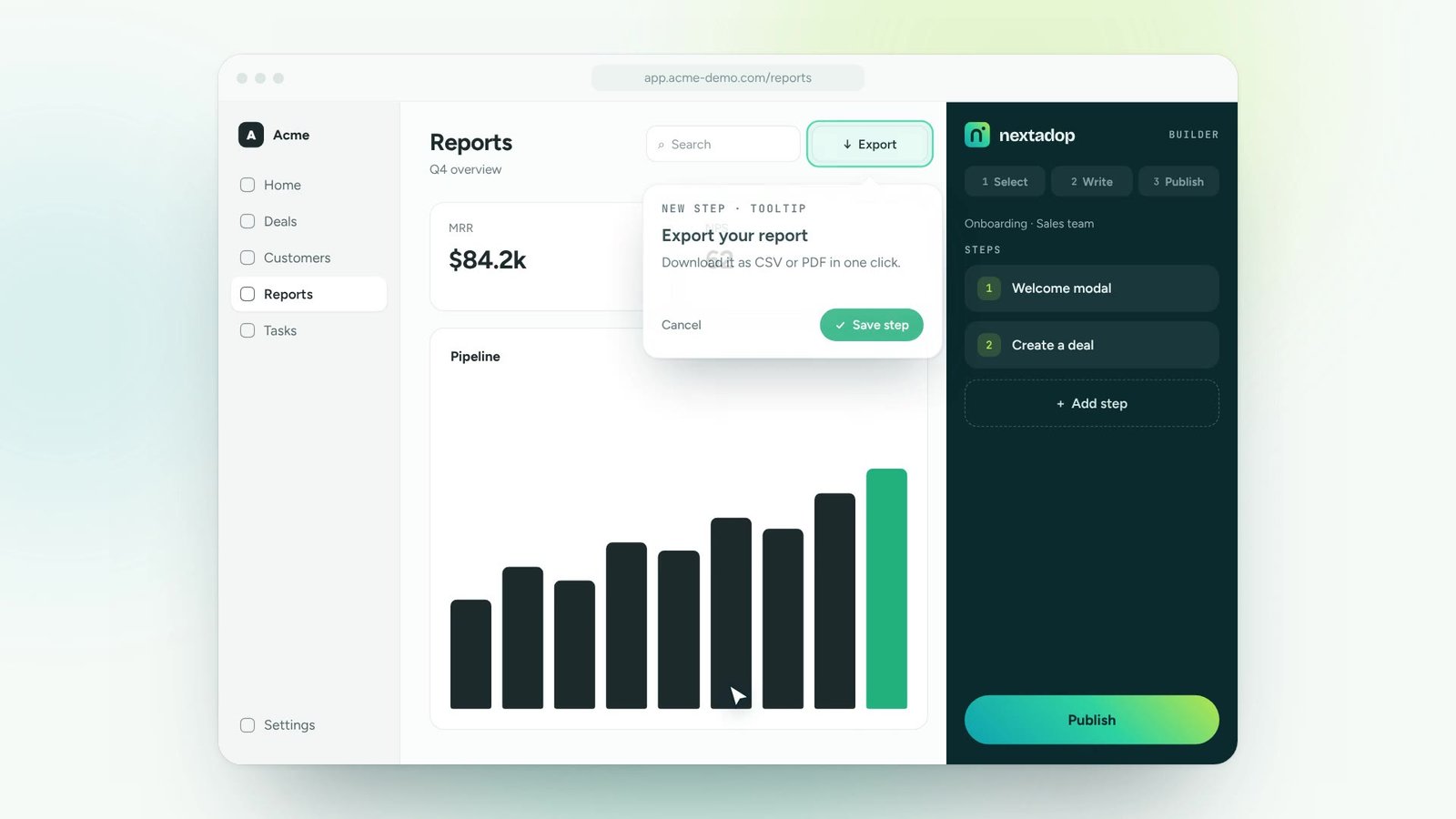
Select any element on the page. No selectors, no code.
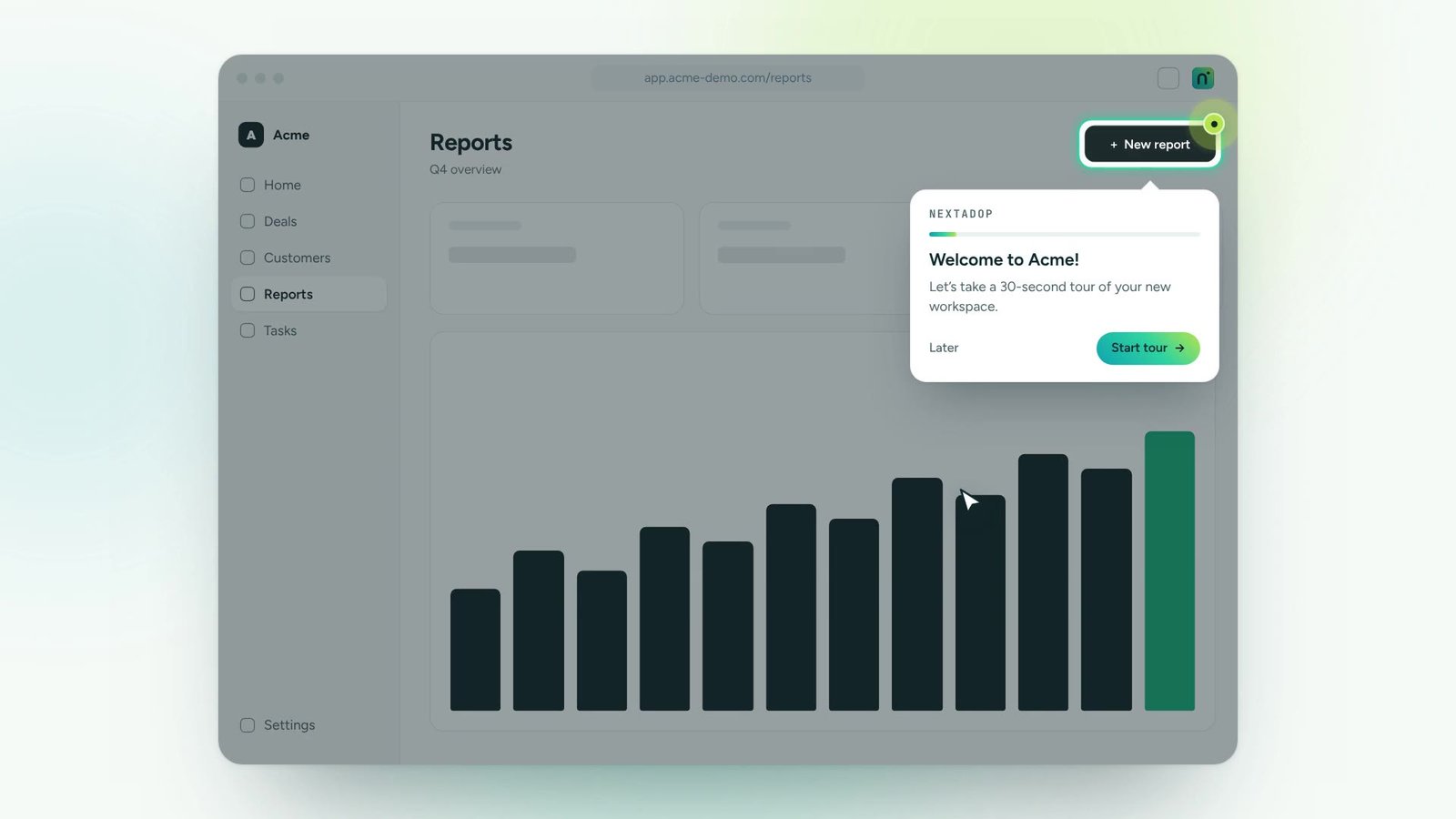
Create guides, tips, hotspots and announcements directly on top of your live application. What you see while building is exactly what your users will see.
Launch the builder from the browser extension on any page.
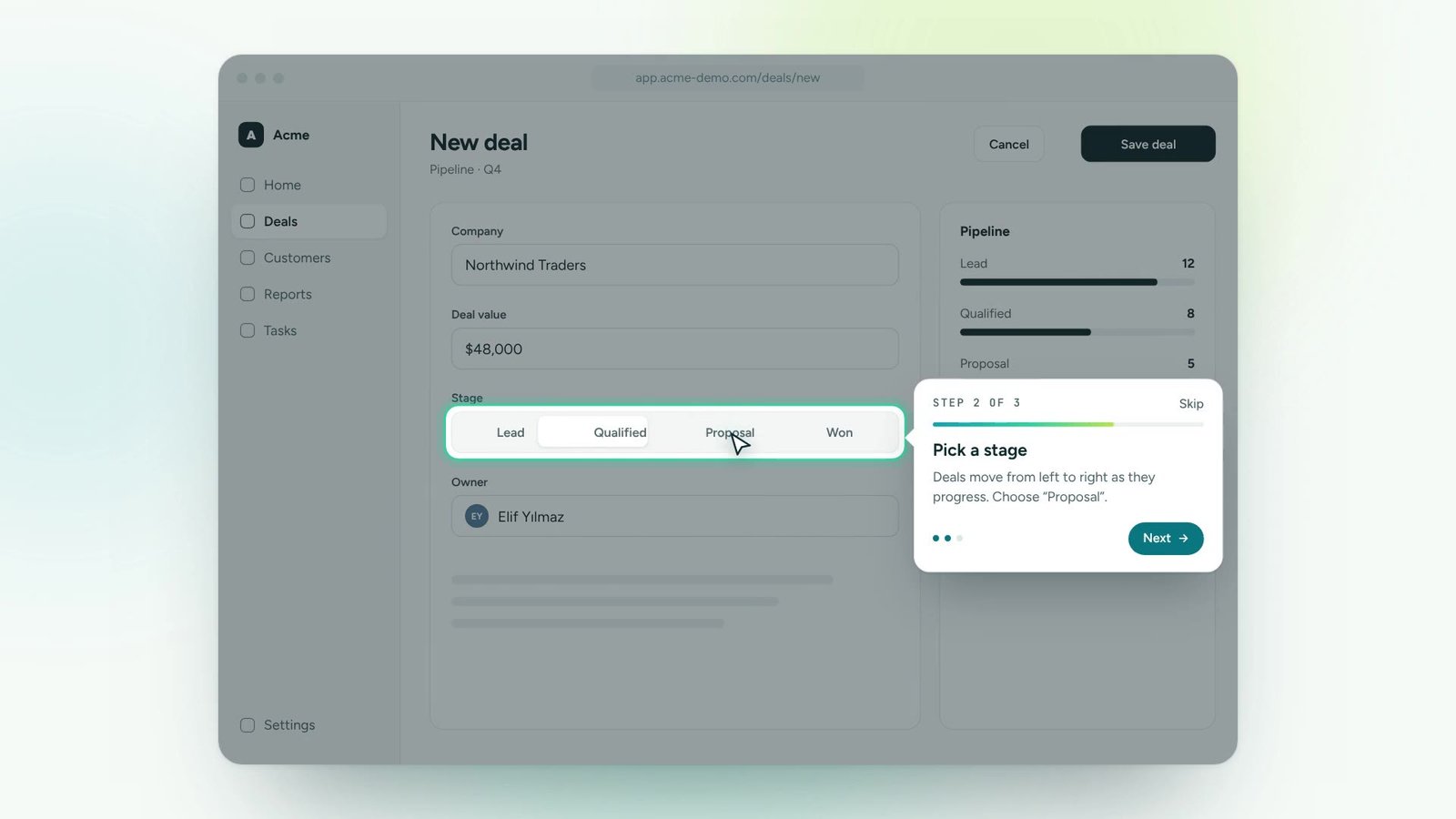
Hover and click. Nextadop recognises buttons, fields and menus.
Add your text, preview it live and publish in one click.
Click “Select element”, pick something in the app, write a title and publish. That’s the whole workflow.
Select any element on the page. No selectors, no code.
Edit content in place and see the result instantly.
Start from ready-made tours, checklists and announcements.
Fonts, colours and radius that match your product.
Work in drafts, compare versions and roll back safely.
Roles and approvals so the right people publish.
Create and update guidance yourselves. No developer queue, no release cycle.
Install once, manage access with roles and SSO, keep data under control.
See where people finish and where they drop off, and fix the flow the same day.
Reach the right people by role, team or region and see what changed.
One digital adoption platform, on top of every tool your teams already use
Anyone who knows the process: trainers, product managers, operations or HR. No technical background is needed.
No, but you can use one. Content can be built in a test environment and published to production.
Yes. Drafts, versions and roles make it safe for teams to collaborate.
Thirty minutes, your own application, a real guide at the end. No slides.